Create Your Custom Stickers


Customers are saying
4.96 ★ (208)
Verified
J
Jocelyn Amazing, quick service and beautiful stickers!
A
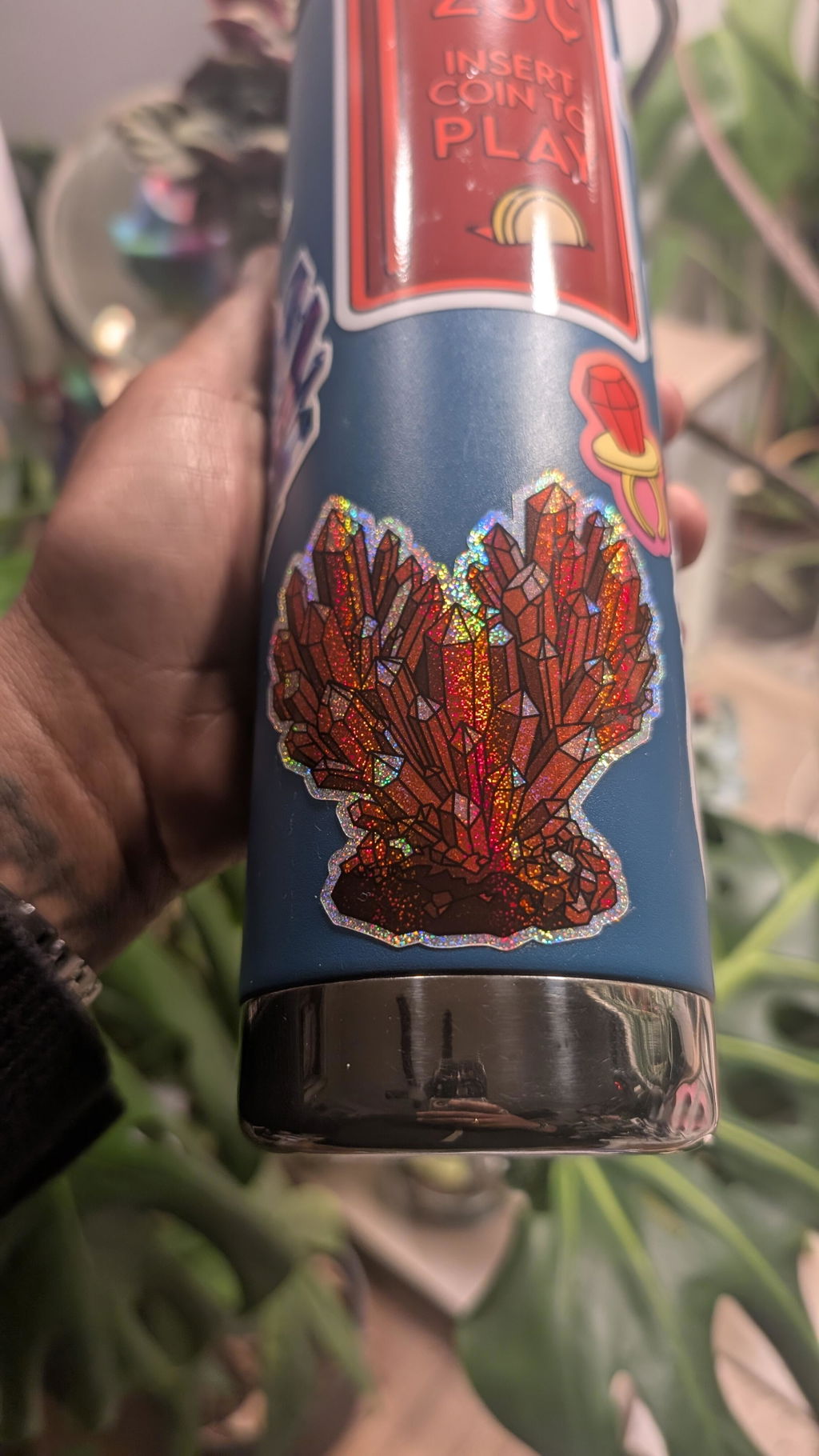
Anonymous Love but wish it had an easy peel backing. Good color and nice holographic effect.
J
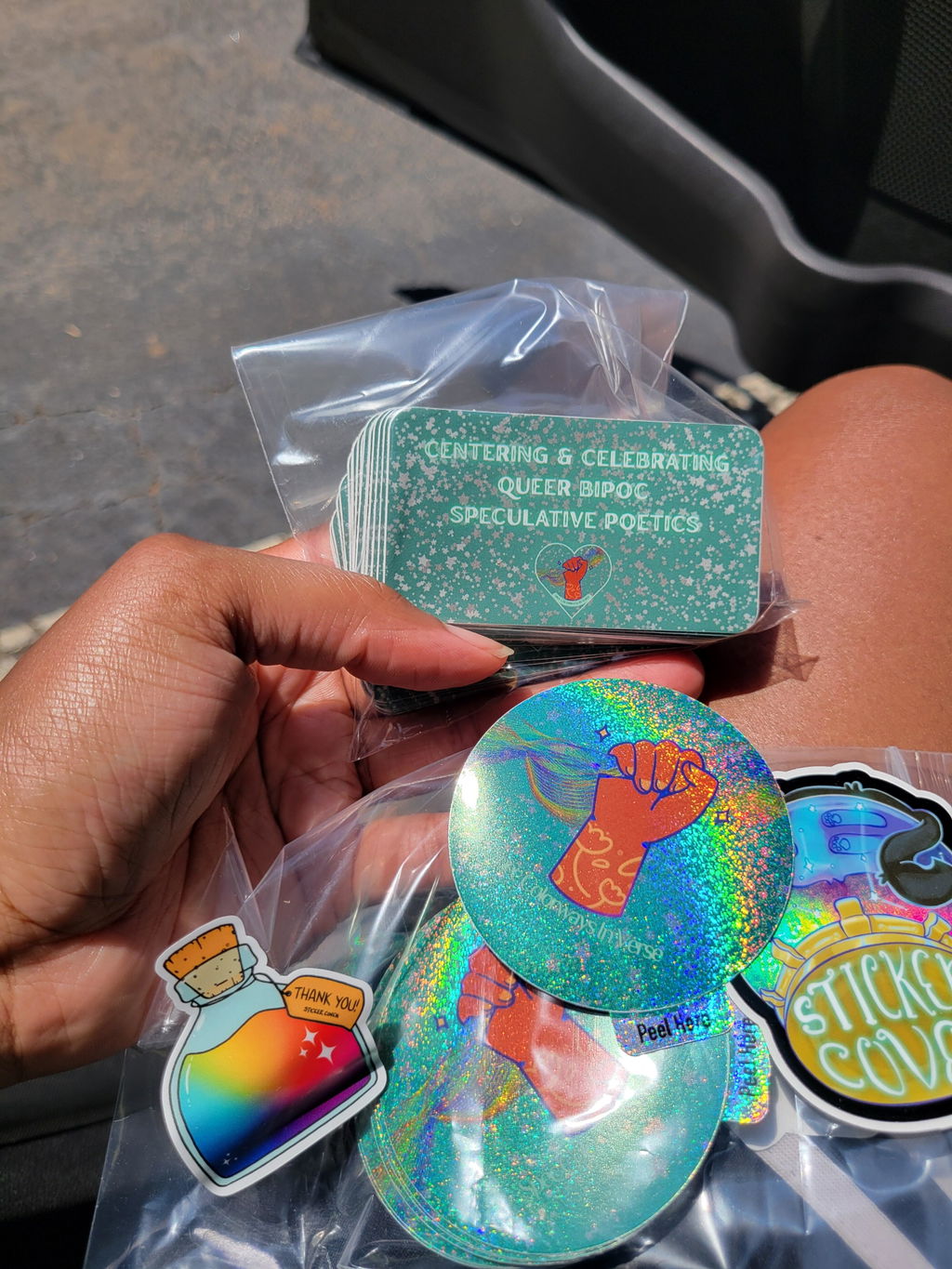
Jeané Ridges Glad I got Sticker Coven's sampler and they provide a proof, so I had a solid idea what things would feel, look like--and they indeed came out dead ringers. Only thing I wish different is I hadn't been hesitant to order more, but I know where to restock once we're out :).
K
Kimberly Allbee My stickers look stunning, got here in record time, and I couldn't be happier!
R
Rainbow Eeek! They are so beautiful! Sticker Coven is the best!